Glowforge Laser Cutter
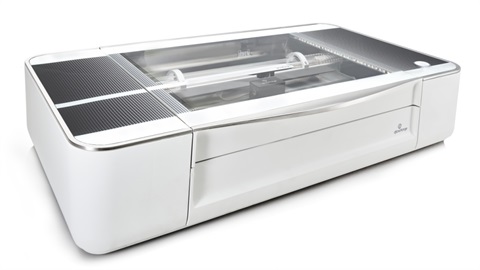
What I am: The Glowforge is a desktop carbon dioxide (CO2) laser cutter with a 40-Watt laser beam generated by a glass tube attached to the machine's framework. The beam exits the tube and bounces through a series of mirrors, where it focuses into a tiny beam. The laser is the width of a human hair that cuts, engraves, and shapes designs from a variety of materials. It also contains a camera that can digitize a design for engraving (but not for cutting).
Where I am: Grand Library
What I do: Use a laser beam to cut and engrave acrylics by way of vector graphic files (.svg files)
What I can teach you: Project design, vector graphics, laser safety
I'm recommended for ages: Makers under 10 must have adult supervision
Materials Provided: The Library provides materials (acrylics) which are safe to use within the Grand Avenue Library Classroom
Information and Resources:
- Search for SVG files
- Use Adobe Illustrator to make SVG files. Adobe Illustrator is available for use in the Main Library's second floor digital lab.
- Alternatively, use Inkscape to make SVG files. Inkscape is available at the Grand Avenue Library, on its laptops (ask at the front desk to borrow a laptop)
- Be sure to turn letters into paths and save as plain svg, not Illustrator svg or npt.
- Watch this video to learn more about vector graphics. https://www.youtube.com/watch?v=AAhVqLyKk4U
- Glowforge Manual (PDF)
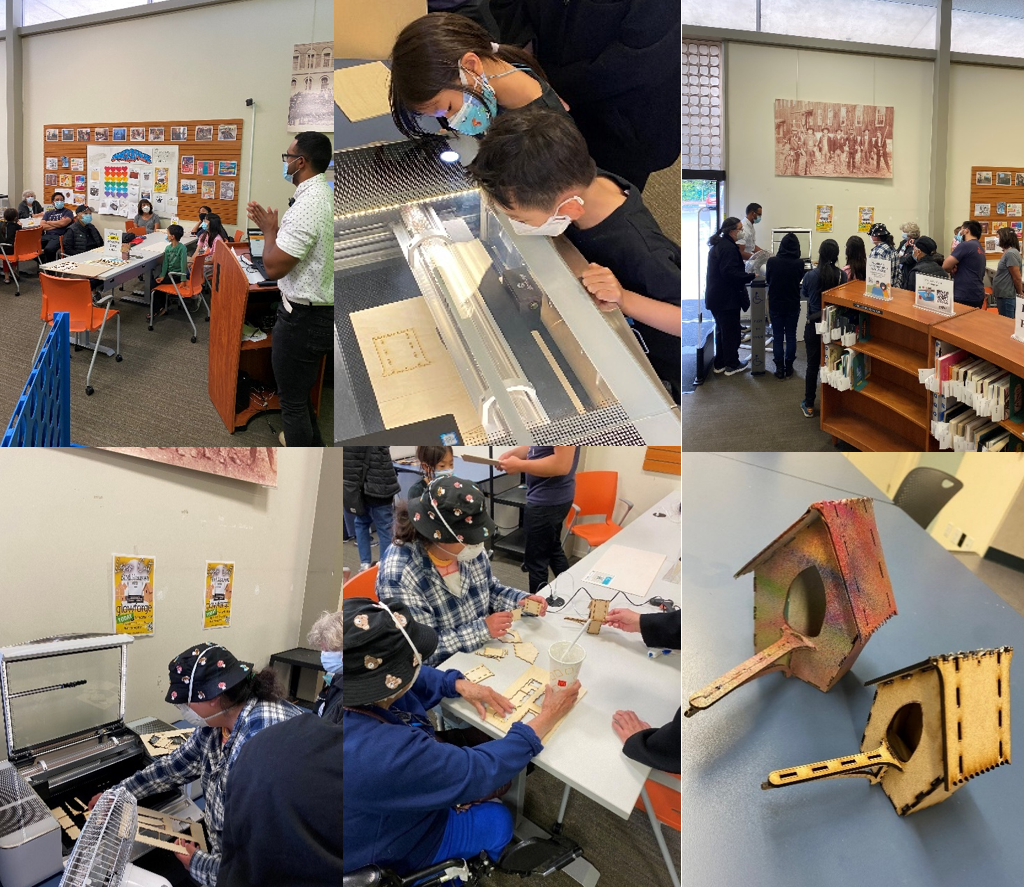
Program Photos